Search & History
Cross-source search
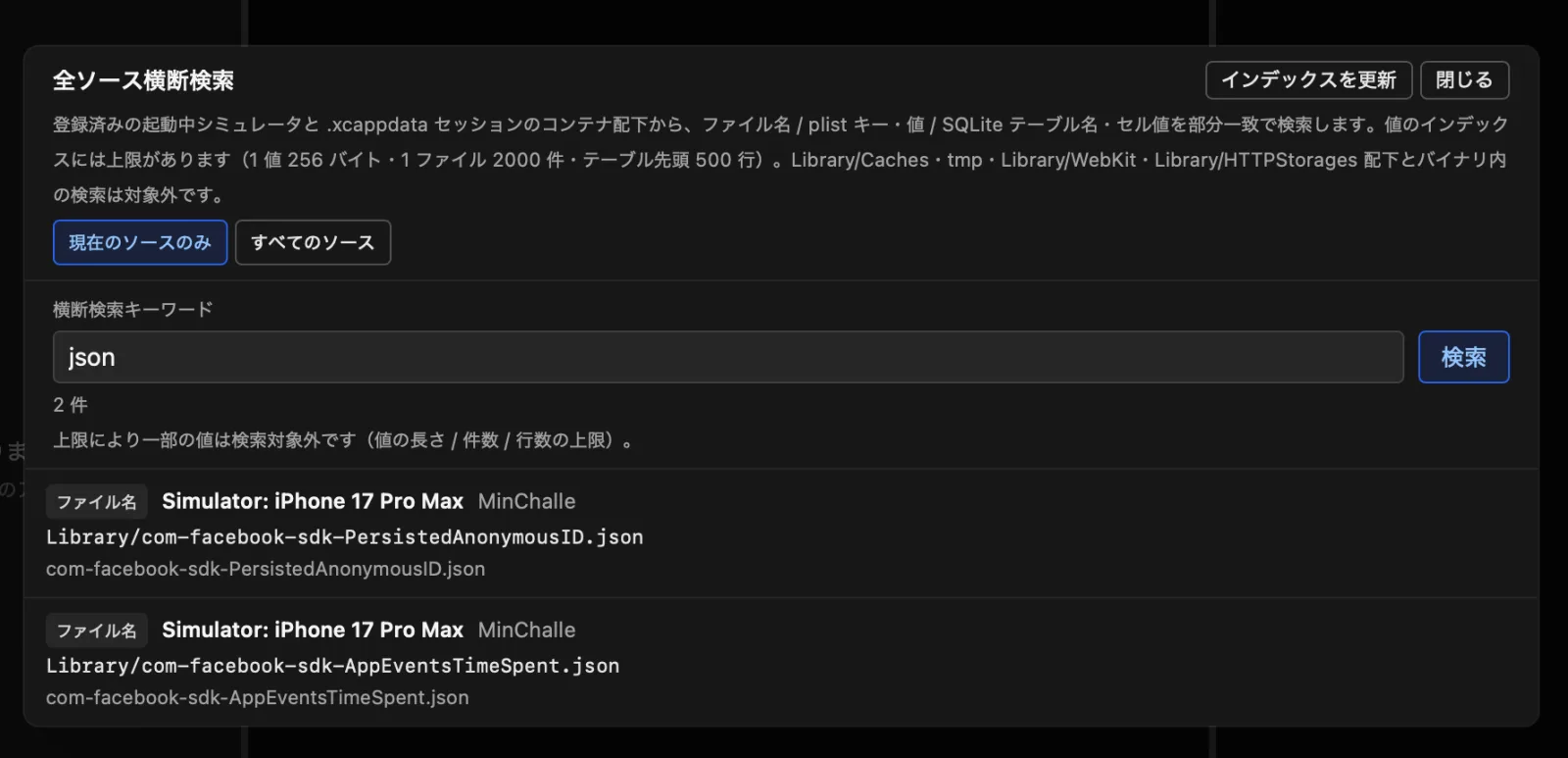
Searches file names, plist keys and values, and SQLite table names and cell values across all sources at once (Cmd+F).
- The index limits (value length, entry count, scanned rows, and result count) can be adjusted in the settings panel.
- Changing a limit re-indexes automatically on the next search.
Undo / Redo
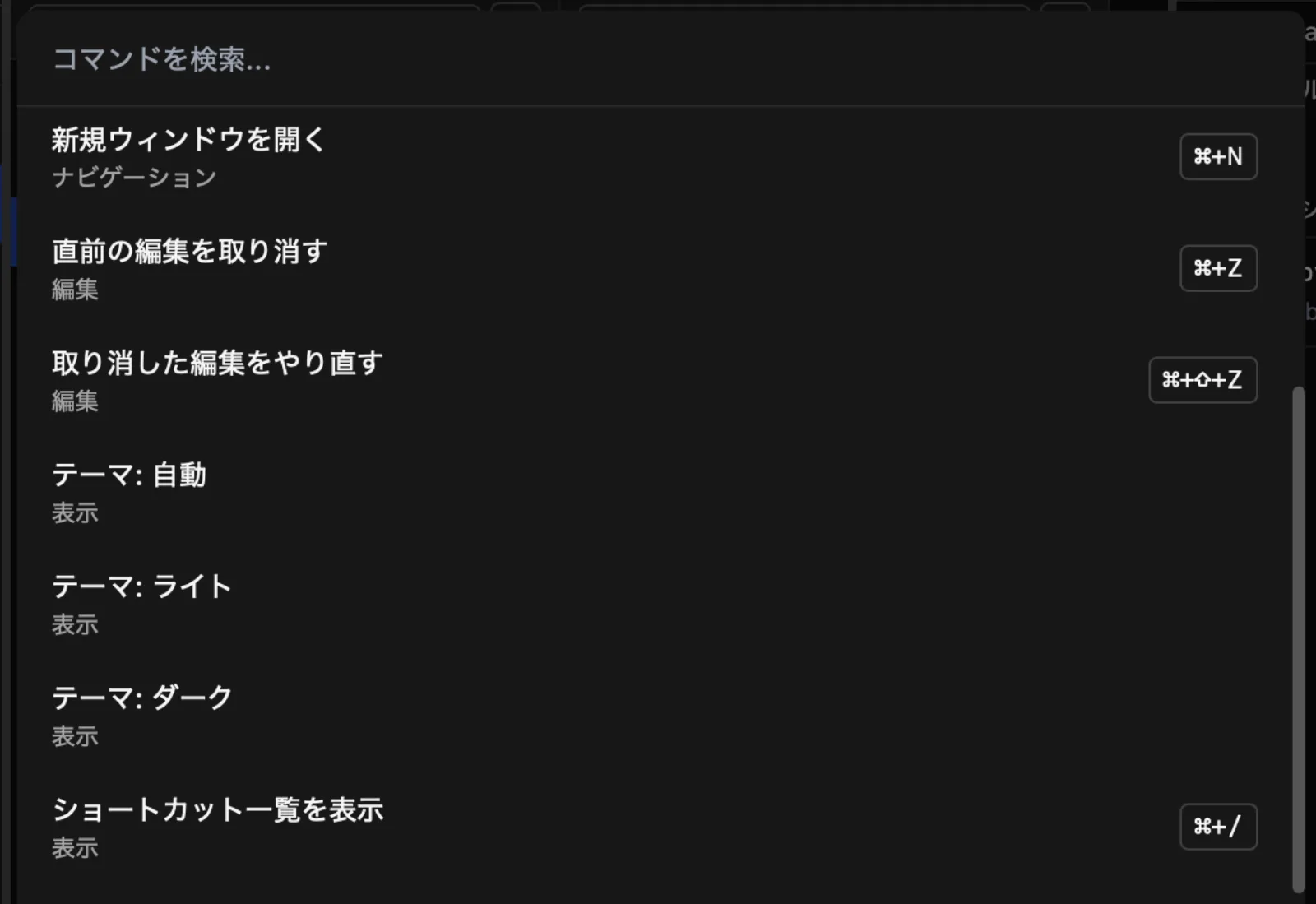
Up to the 20 most recent edits are recorded — undo with Cmd+Z, redo with Cmd+Shift+Z.
- An operation that rewrites SQLite and plist together is undone as a single step.
- If a target file is too large, that operation is not recorded and cannot be undone.
Quick navigation
Jump straight to the file or feature you need from the keyboard.
| Shortcut | Feature |
|---|---|
| Cmd+B | Jump to favorites |
| Cmd+P | Path search within the container |
| Cmd+Shift+P | Command palette |
| Cmd+/ | Shortcut list |
Other
- Light / dark themes, accent colors, and a high-contrast mode are supported.
- The UI is available in 7 languages and follows the OS language setting.
- Auto-updates are delivered via GitHub Releases.
- Settings can be exported and imported.