Editors
AppForceps edits the major file formats used by mobile apps with built-in editors. Formats that cannot be written back safely are treated as view-only, with the reason stated.
Editable formats
| Format | Description |
|---|---|
| plist | Auto-detects XML / Binary and edits values with types. |
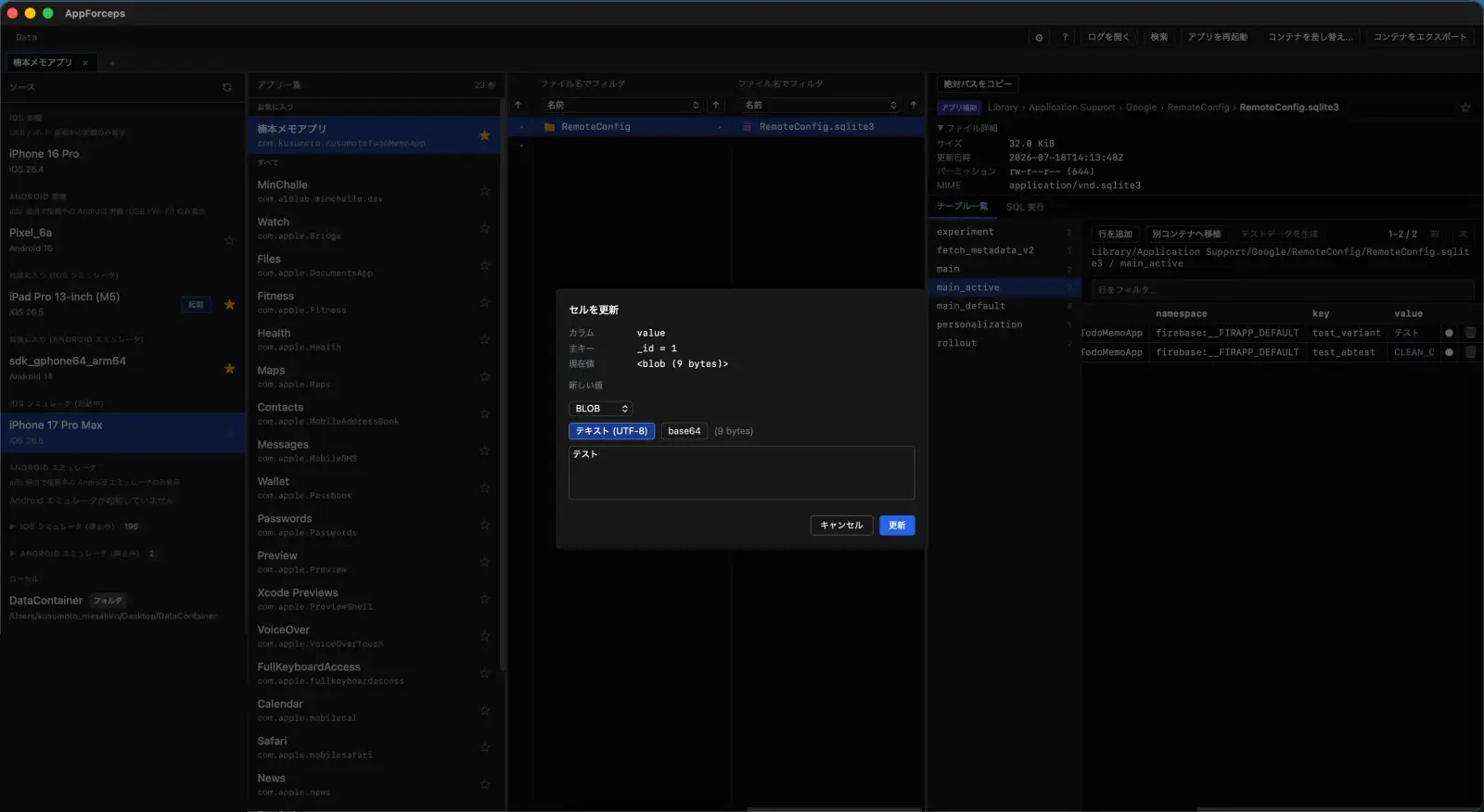
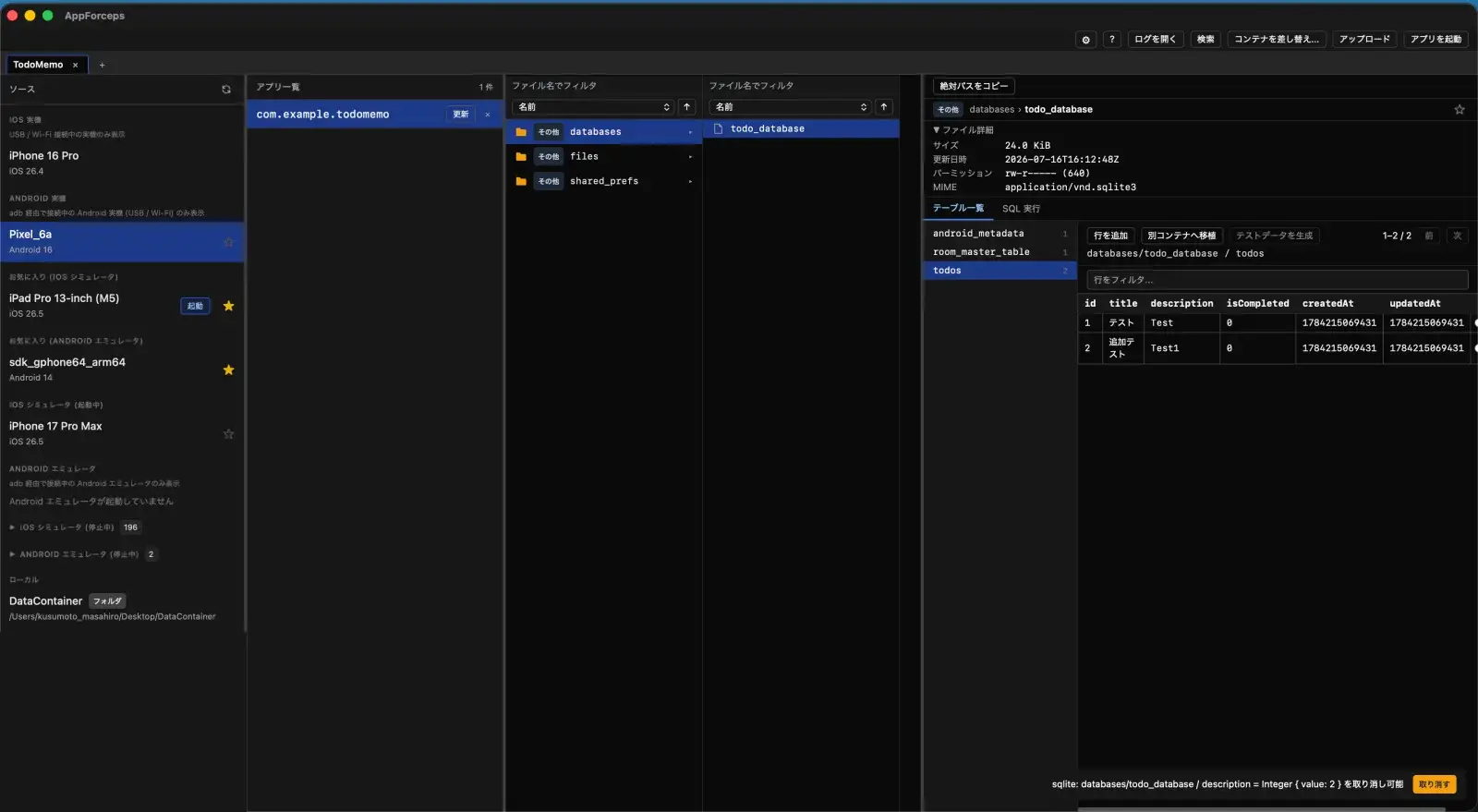
| SQLite | Supports cell-level UPDATE and row INSERT / DELETE, plus a read-only SQL tab and CSV / JSON export. |
| JSON | Edits values in a tree view. |
| .binarycookies | Lists and edits cookies. |
| LevelDB | Add, edit, and delete key-value pairs. |
| ZIP | Edits text entries. |
| SharedPreferences XML (Android) | Edits typed key-value pairs. |
| Jetpack DataStore Preferences (Android) | Reads and writes typed values based on the official schema. |
| Any file | Views and edits as text, hex, or an image. |
View-only formats
The following formats are view-only, with the reason they cannot be written back.
| Format | Handling and reason |
|---|---|
| MMKV | View-only because the file carries no type information, so a safe write-back is not possible. |
| Protocol Buffers | View-only because types cannot be determined uniquely without a schema. |
| NSKeyedArchiver | Shows the decoded contents. |
| Realm | Detects the file format and shows it. Realm Studio is recommended for editing. |
| gzip | Decompresses for preview. |
| WebKit | Shows an overview of WebKit storage. |
Features shared by all editors
- Review a diff of your changes before saving (enabled in Settings).
- External file changes are detected automatically and reloaded.
- Upload files with drag and drop.